Automatically track blood oxygen while you sleep with Odessa Ring

Instead of taking a manual blood oxygen reading before bed, pair your Odessa Smart Ring with QRing and check whether your app provides automatic overnight recording. This guide explains how to prepare the ring, verify what actually records during sleep, and review estimated wellness readings without a subscription or a screen on your finger.
- Odessaring suits women seeking subscription-free wellness tracking, not medical oxygen monitoring.
- Before choosing an overnight blood oxygen tracking ring, verify automatic recording rather than assuming blood oxygen support includes it.
- QRing is free for iPhone and Android; confirm your phone can install the current app.
- Blood oxygen and sleep readings are estimates, not tools to diagnose, treat, or monitor medical conditions.
Interactive · Metric explorer
Tap to explore what Odessa tracks

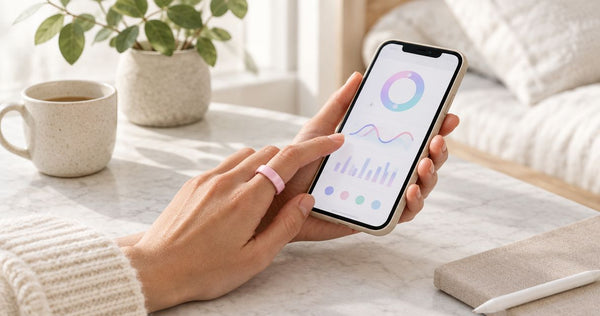
Sleep: how long and how well you slept, worked out from movement and heart rate overnight.
Heart rate: readings through the day and night from the optical sensor on the inside of the band.
HRV (heart rate variability): the variation between heartbeats, a signal many people watch for recovery trends.
SpO2: blood-oxygen estimates for general wellness, not medical use.
Stress: estimated from body signals such as HRV, so you can see calmer and busier stretches.
Skin temperature: changes against your own baseline over time.
Steps: steps, distance and calories, with sport modes for walking, running, cycling, swimming and more.
Cycle: log your cycle alongside the rest of your data to spot your own patterns.
What it doesn't do: it doesn't measure blood pressure, it doesn't detect snoring, and it doesn't diagnose, treat or prevent any condition. It's a wellness tracker, not a medical device.
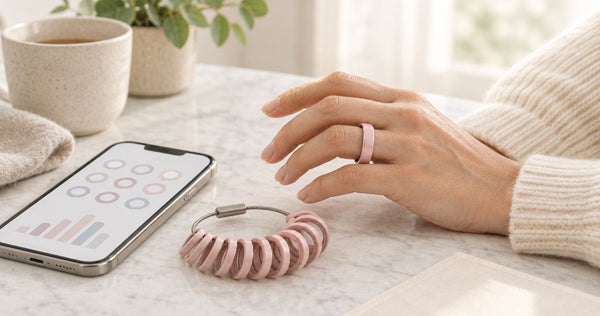
Real product photo. Sensor positions are approximate. Battery: 5–7 days per charge. Free app, no subscription.
Why this matters
A ring that estimates blood oxygen does not automatically provide a continuous overnight oxygen record. A manual measurement, scheduled sampling, and uninterrupted monitoring are different capabilities. Your setup should establish which one the app actually provides before you rely on a morning summary.
The Odessaring product specifications checked October 25, 2026 list blood oxygen estimates, sleep, heart rate, stress, skin temperature, and activity. Those specifications establish the listed features, not an overnight sampling interval, low-oxygen alarm, or medical monitoring function.
Odessaring is best for women seeking subscription-free everyday wellness tracking, not medical oxygen monitoring. The buying case is no monthly fees, a free phone app, and zero screens on the ring. The limitation is equally clear: estimated wellness readings cannot establish whether your breathing during sleep is healthy.
Before you start
- Have the ring, included charging cable, and a compatible phone ready. QRing supports iPhone and Android. Check the current app listing against your phone’s operating system before starting this 2026 setup.
- Check fit before collecting a night of data. The ring comes in US sizes 6–14. Choose a comfortable fit that maintains skin contact without pinching; do not sleep in a ring that feels tight or causes discomfort.
- Check the automatic-recording requirement first. Blood oxygen support alone does not confirm overnight sampling. If QRing offers only a manually started reading, this workflow cannot turn that feature into an automatic sleep record.
The confirmed battery claim is 5–7 days per charge. Begin with enough charge for your intended sleep period rather than treating the published range as a guarantee for every use pattern.
Ring and phone connection
Establish the connection before bedtime
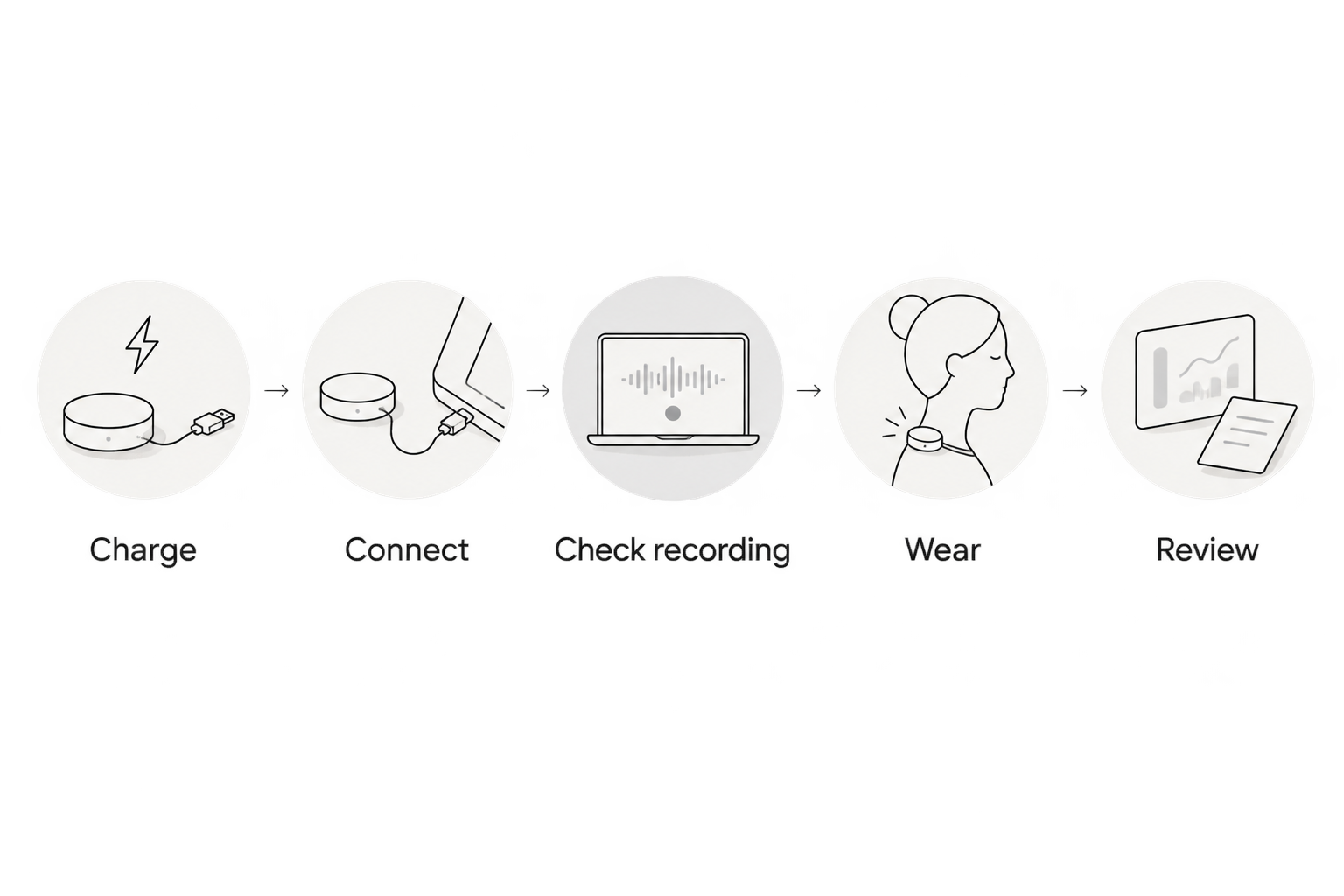
- Charge the ring with the included charging cable. Confirm that the ring responds according to its supplied instructions before attempting setup.
- Install QRing using the app identification provided with the ring. Check the app name and developer information against those instructions rather than choosing a similarly named app.
- Open your phone’s Settings and confirm that Bluetooth is enabled. Keep the ring close to the phone during pairing.
- Open QRing and follow its in-app device connection instructions. Use the ring documentation to identify the correct device if several nearby devices appear.
- Review connection-related permission requests. Allow the access required for the connection, and read separate requests concerning health information before agreeing.
Expected result: QRing identifies your ring as connected. A Bluetooth entry on the phone alone is not enough to establish that the app is receiving the ring’s information.
Exact QRing menu names and permission screens are not specified in the product fact sheet. Follow the labels in your installed app rather than searching for a setting name from an unrelated ring or an older walkthrough.
For this 2026 setup, complete pairing while you are awake and can check the result. Starting immediately before sleep makes it harder to distinguish a connection problem from a recording problem the next morning.
Overnight recording configuration
Check what the blood oxygen feature actually does
- Open the blood oxygen feature within QRing. Read any explanation of how readings are collected and displayed.
- Look for an explicit automatic or scheduled recording option. If the app provides one, review its description before enabling it; do not assume a manual measurement button also starts overnight recording.
- Check whether recording has a stated schedule, battery requirement, or other condition. Follow the app’s instructions without substituting a sampling interval from another product.
- If the app presents only a manual reading, stop treating the feature as automatic. Ask support whether your ring and installed QRing version support overnight blood oxygen collection.
- Separately confirm that the ring remains connected and that the app recognizes the device before your first overnight trial.
Expected result: You can identify either a documented automatic-recording function or a manual-only feature. Both are useful findings; only the former supports the overnight workflow described here.
The key distinction for an overnight blood oxygen tracking ring is how the information is collected, not simply whether a blood oxygen tile exists. An isolated reading cannot describe an entire night.
Confirm comfortable overnight wear
- Put the ring on the finger and in the orientation specified by its instructions. Check comfort while bending your hand and resting it in your usual sleeping position.
- Make sure the ring does not feel restrictive. Remove it if you experience pain, numbness, swelling, or skin irritation.
- Keep your first trial simple. Use the normal connection and recording instructions rather than testing phone shutdown, a new device, and overnight recording at the same time.
- Note your approximate bedtime and wake time somewhere separate from the app. This gives you a reference when checking the recorded period.
Expected result: The ring stays comfortable during ordinary wear, and you have a basic sleep-window reference for the morning review.
Stainless steel construction and a jewelry-style band do not guarantee comfort for every wearer. Fit is a practical requirement, not a cosmetic detail. The confirmed return promise is 60 days with worn rings accepted; free size exchanges are also offered within 60 days.
 Screen-free · No subscriptionOdessa Smart RingShop the ring →
Morning review
Verify the recording before interpreting it
- Open QRing after waking and allow the ring to reconnect if needed. Follow any synchronization instructions shown in the app.
- Open the sleep record and compare its date and sleep window with your own bedtime and wake-time note.
- Open the blood oxygen information. Check whether it shows readings associated with the overnight period, an overnight summary, or only a manually collected measurement.
- Read the date, time, and measurement description before interpreting a value. Yesterday’s manual reading is not evidence that last night was recorded.
- If an overnight view exists, check whether it contains gaps. Do not interpret a blank interval as a normal reading or as a confirmed oxygen drop.
Expected result: You can say what the app recorded, when it recorded it, and whether that information actually corresponds to your sleep period.
Successful synchronization proves that data reached the app; it does not prove medical accuracy. Keep that distinction when reviewing a reassuring result as well as an unexpected one.
The 2026 setup check is simple: confirm the date, confirm the recording period, and confirm what the display represents. A polished summary does not answer those questions on its own.
A second workflow: manual checks alongside sleep records
If automatic overnight blood oxygen recording is not supported, keep the sleep-tracking workflow separate from manually started blood oxygen estimates. You can review both, but do not combine them into a claim that the ring monitored oxygen throughout sleep.
| Workflow | Best for | Benefit | Limitation |
|---|---|---|---|
| Automatic overnight recording, if explicitly supported | Reviewing estimates associated with sleep | Removes the need to start each measurement yourself | Sampling frequency and gaps still need checking; not medical monitoring |
| Manually started blood oxygen reading | An intentional awake wellness check | Makes the measurement time clear | Does not describe oxygen levels while you were asleep |
| Sleep-record review | Understanding estimated sleep timing and patterns | Provides context for your morning review | Sleep estimates cannot establish breathing safety |
For a manual check, follow QRing’s measurement instructions and keep the measurement time clear. Do not label a bedtime spot reading as an overnight result.
This alternative preserves the useful part of the routine without inventing a capability. You still get a consistent morning review of whatever sleep information the app actually records.
Troubleshooting
QRing cannot connect to the ring
Confirm that the ring has charge, keep it near the phone, and check Bluetooth in the phone’s Settings. Reopen QRing and follow the supplied connection instructions.
If another phone was previously used with the ring, consult the transfer instructions before changing connections. Do not erase app data as the first troubleshooting step.
Sleep appears, but overnight blood oxygen does not
Check whether the blood oxygen feature is manual-only or explicitly supports automatic recording. The presence of a sleep record does not establish that every other listed wellness feature records on the same schedule.
If automatic recording is supported, review its stated conditions and check the date being displayed. Repeat the trial only after identifying which requirement was not met.
The overnight record has gaps
Check battery status, comfortable skin contact, and any recording conditions described by the app. Confirm that the displayed period is the correct night before changing settings.
Record the gap and its timing if it repeats. A missing measurement is missing information, not a result you should fill in yourself.
A reading looks unexpectedly low
Do not diagnose the cause from a ring estimate or dismiss symptoms because another reading looks reassuring. Follow the device instructions for checking a measurement, and discuss concerning or repeated results with a healthcare professional.
The FDA’s consumer guidance on pulse oximeters explains that these devices estimate blood oxygen and have accuracy limitations. That guidance concerns the measurement category; it is not a validation study of this ring. Seek urgent medical care for severe breathing difficulty or other emergency symptoms rather than troubleshooting an app.
Customize your workflow
Make the routine easier without making its claims bigger. Charge during a convenient waking period, check fit before bed, and review the same date fields each morning.
For connection help, use the Odessa Ring to QRing pairing workflow. Keep your app and phone setup consistent while checking overnight recording, then change one setup detail at a time if troubleshooting is necessary.
No subscription means there is no monthly membership charge for the stated QRing experience. It does not remove the need for a compatible phone or establish a particular accuracy level. The ring and charging cable are included; an accessory is not a prerequisite for this setup.
Use the October 25, 2026 product specification check for the listed hardware features, and use the instructions in your installed app for configuration. Neither source should be stretched into a claim about continuous oxygen monitoring.
Frequently asked questions
Does Odessa Smart Ring automatically track blood oxygen all night?
The supplied specifications confirm blood oxygen estimates but do not establish continuous or scheduled overnight recording. Check your installed QRing app for an explicit automatic-recording function before expecting overnight data.
Can an overnight blood oxygen tracking ring diagnose sleep apnea?
Odessa Smart Ring is not intended to diagnose sleep apnea or any other medical condition. Discuss suspected breathing interruptions, concerning symptoms, or repeated unexpected readings with a healthcare professional.
Do I need a subscription to use QRing?
No subscription is required for the stated QRing experience. The app is free for iPhone and Android, but your phone must support the current app version.
How long does the ring battery last?
The client-confirmed battery claim is 5–7 days per charge. Check the actual charge before overnight use rather than assuming every charge will last the full published range.
Should I buy a separate charging case for overnight tracking?
A separate charging case is not required for this workflow because the ring includes a charging cable. Start with the included equipment and confirm that recording works before considering accessories.
What if the ring feels tight while I sleep?
Remove a ring that feels restrictive or causes pain, numbness, swelling, or irritation. Odessa Smart Ring comes in US sizes 6–14, with free size exchanges within 60 days under the stated product-page terms.
Can I use a normal ring reading to rule out a breathing problem?
No. Wellness estimates cannot rule out a medical problem, and this ring is not intended to diagnose, treat, or monitor medical conditions. Symptoms and clinical advice take priority over an app result.
One last thing
Check the timestamp before the percentage. A plausible-looking blood oxygen estimate from the wrong time does not answer your overnight question. The most useful habit is verifying what was recorded before deciding what it means.